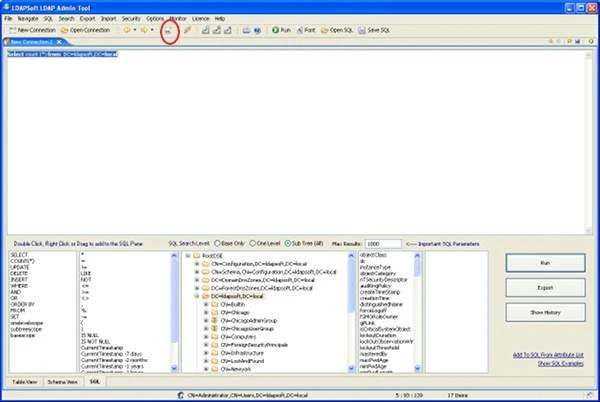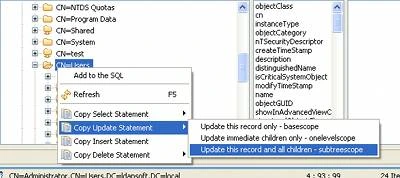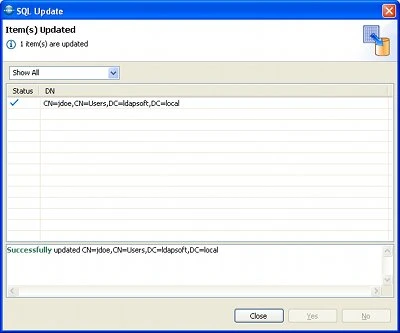


This tutorial explains how to update an attribute of all entries within a container using where clause . To run update statement first connect to the Active Directory (To create a new connection please see Connecting to Active Directory remotely ) After successful connection, select the SQL button from the top menu, this will open the sql tab where you can enter the sql statements. You can also create simple sql statement from the right click context menu (Bottom tree pane).
To create a simple sql statement to update all records within a container, Select entry and from right click context menu select 'Update this record and all Children)
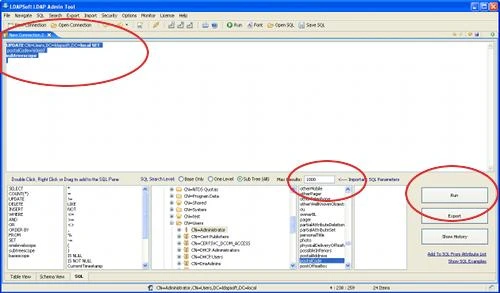
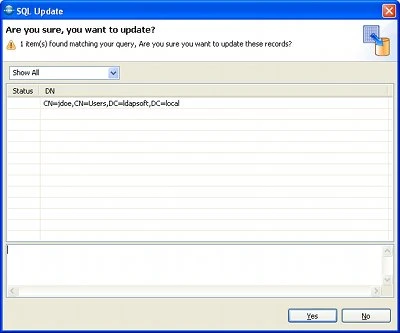
Ctrl+v (or paste) to paste the data to the sql window modify the attribute to update, for e.g. to update manager for all the user entries in the container CN=Users,DC=ldapsoft,DC=local where cn not containing any letter 'S' and cn not containing 'Admin and cn no containing 'kr' modify the statement to: UPDATE CN=Users,DC=ldapsoft,DC=local SET Change the maximum results to number of records expected or '0' for unlimited. Click 'Run' to run the statement. |